Google Chrome
Safe, fast, and reliable browsing with Google Chrome

Safe & Secure
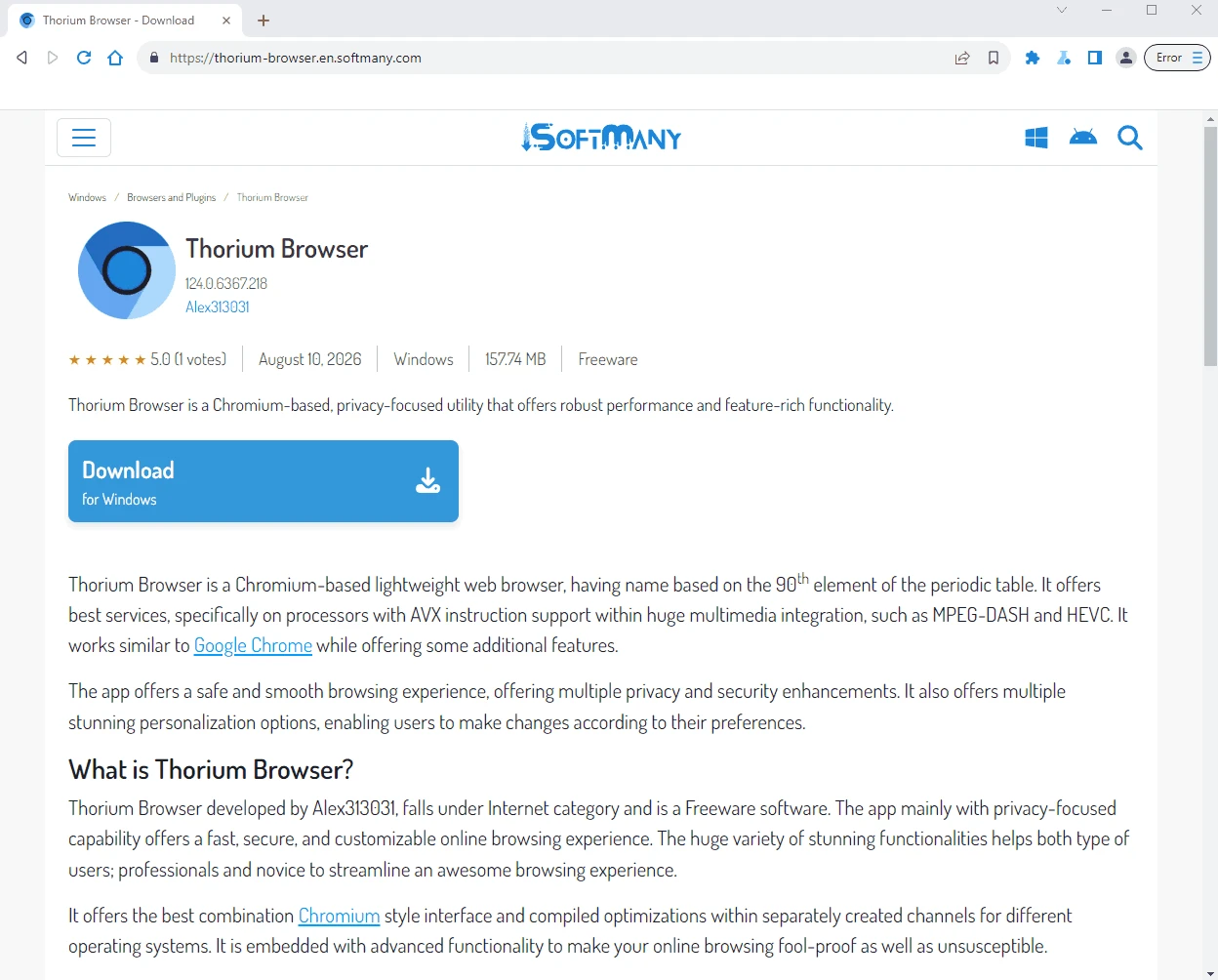
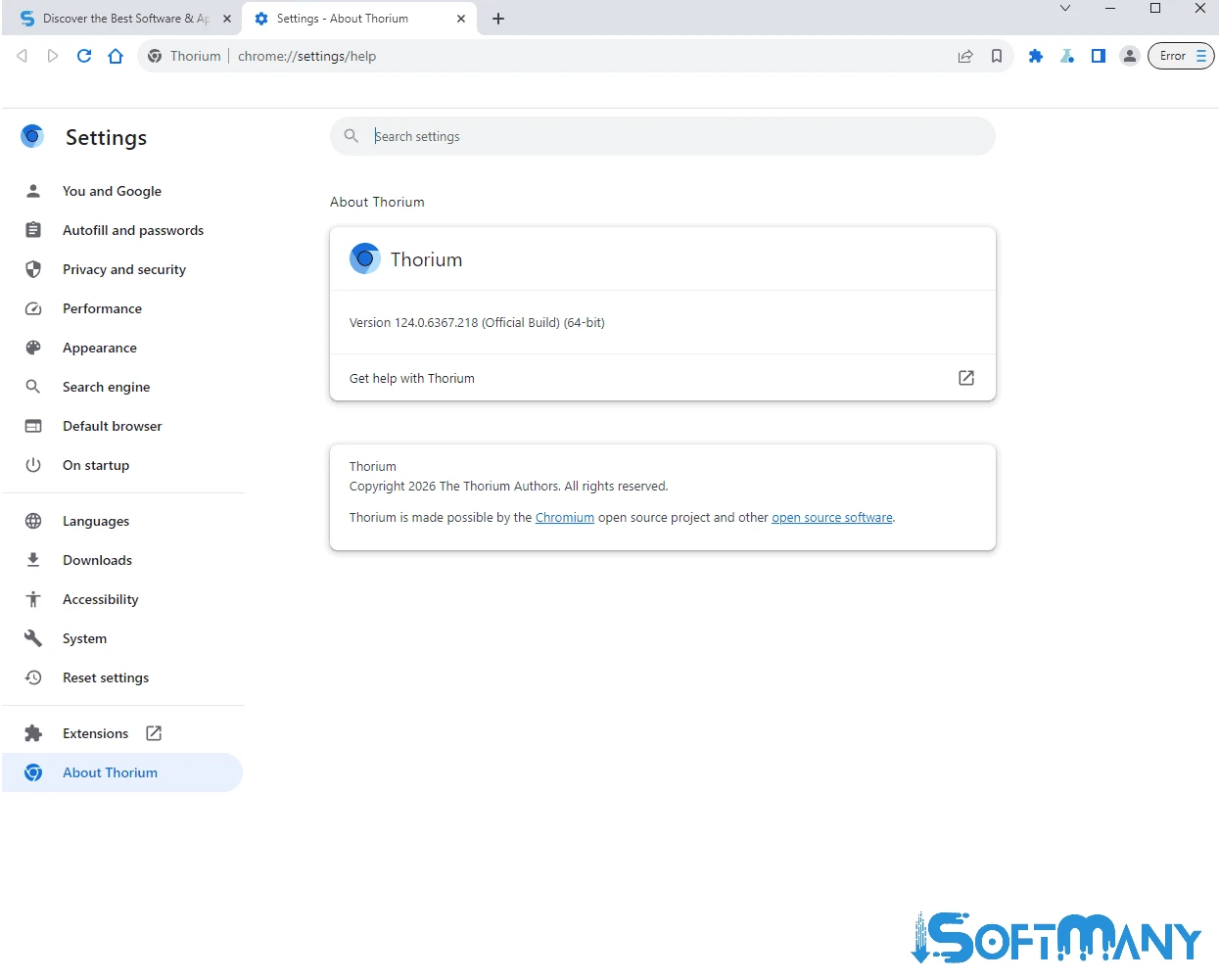
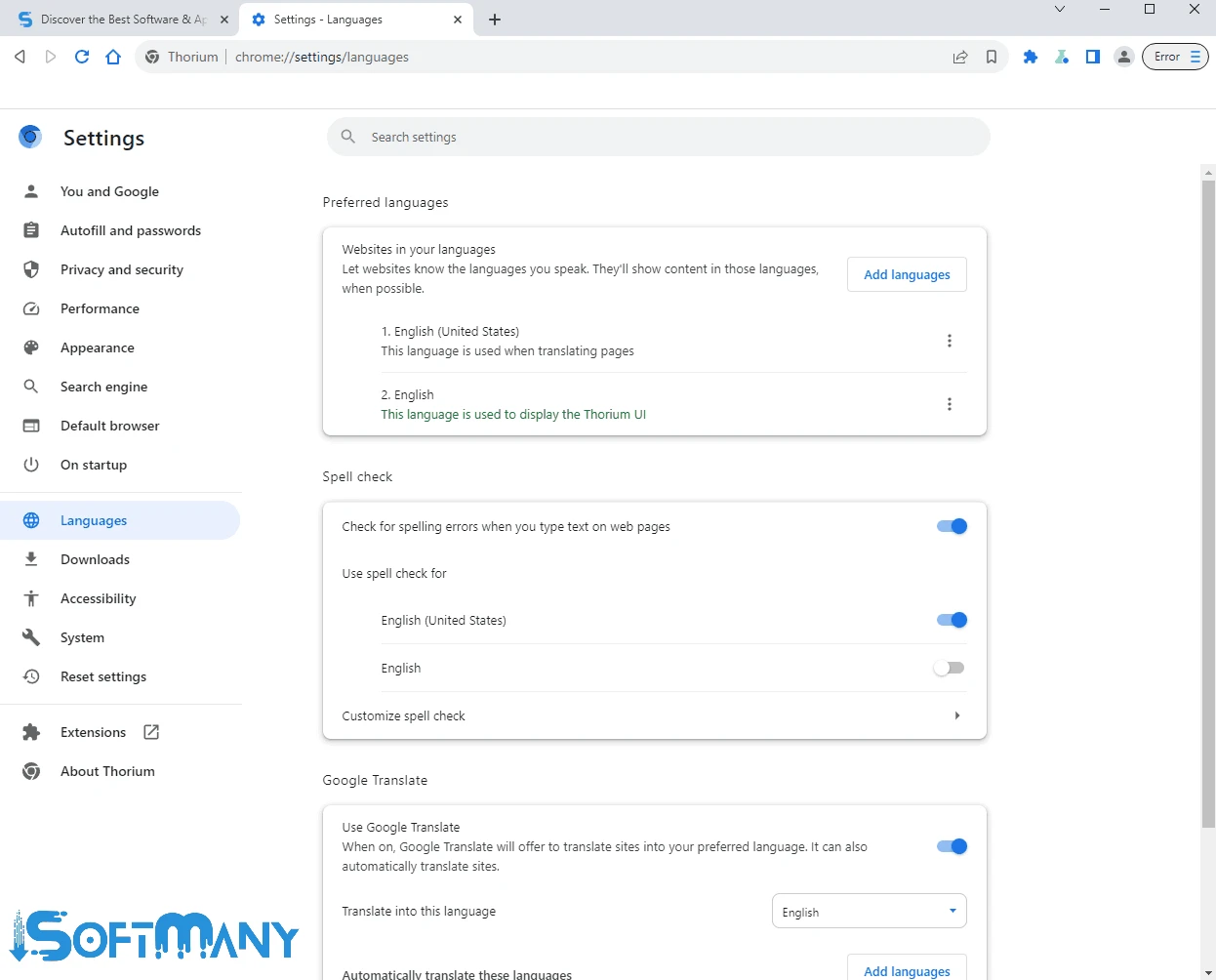
Thorium Browser is a Chromium-based lightweight web browser, having name based on the 90th element of the periodic table. It offers best services, specifically on processors with AVX instruction support within huge multimedia integration, such as MPEG-DASH and HEVC. It works similar to Google Chrome while offering some additional features.
The app offers a safe and smooth browsing experience, offering multiple privacy and security enhancements. It also offers multiple stunning personalization options, enabling users to make changes according to their preferences.
Thorium Browser developed by Alex313031, falls under Internet category and is a Freeware software. The app mainly with privacy-focused capability offers a fast, secure, and customizable online browsing experience. The huge variety of stunning functionalities helps both type of users; professionals and novice to streamline an awesome browsing experience.
It offers the best combination Chromium style interface and compiled optimizations within separately created channels for different operating systems. It is embedded with advanced functionality to make your online browsing fool-proof as well as unsusceptible.
The clean and intuitive interface with minimalistic design offers quick access to entire functionality, allowing users to personalize their browsing experience according to their preferences. The app focuses simplicity, reliability, and safety to make all essential features accessible such as bookmarks, history, and other settings using the main toolbar.
The Chromium-based utility has quite familiarities with world’s fastest web browser, Google Chrome. As the app basically designed for processors that based on AVX instructions, and also integrated to multimedia formats, including MPEG-DASH and HEVC while using JPEG XL as the default image format. The exceptional performance makes handling multiple tabs or demanding websites simple and smooth. It offers a smooth and responsive browsing experience without any lag or slowdown.
The app with lightweight utility proves very light on your system resources and consumes very limited RAM. It offers blazing-fast speed, even on older hardware, as the developers have conducted performance tests to portray an increase in performance. Moreover, it also offers additional support for multiple instruction sets, including AVX and AES.
The app offers multiple built-in features such as ad-blocker, anti-tracking, and even HTTP encryption support, allowing the users to reliably browse online, as it offers fool-proof protection from online threats and safeguards your sensitive data. Likewise, privacy-focused app makes your online privacy, as you can use Incognito mode to browse privately to avoid unauthorized access to your browsing history. It also offers tracker prevention and automatic cookie clearing options to make your online identity uncompromised. You will be capable of having full control over your data and customize the privacy settings according to your preferences.
Similar to other web browsers, the app also has upgrades such as DNS over HTTPS patches from Bromite. It also helps to safeguard your online browsing, offering Vanadium’s Do Not Track, Secure Mode, and HTTP headers features, as they prevent you from being tracked while visiting multiple websites. It offers search bar by default, opening a new tab, allowing users to access any of their desired content.
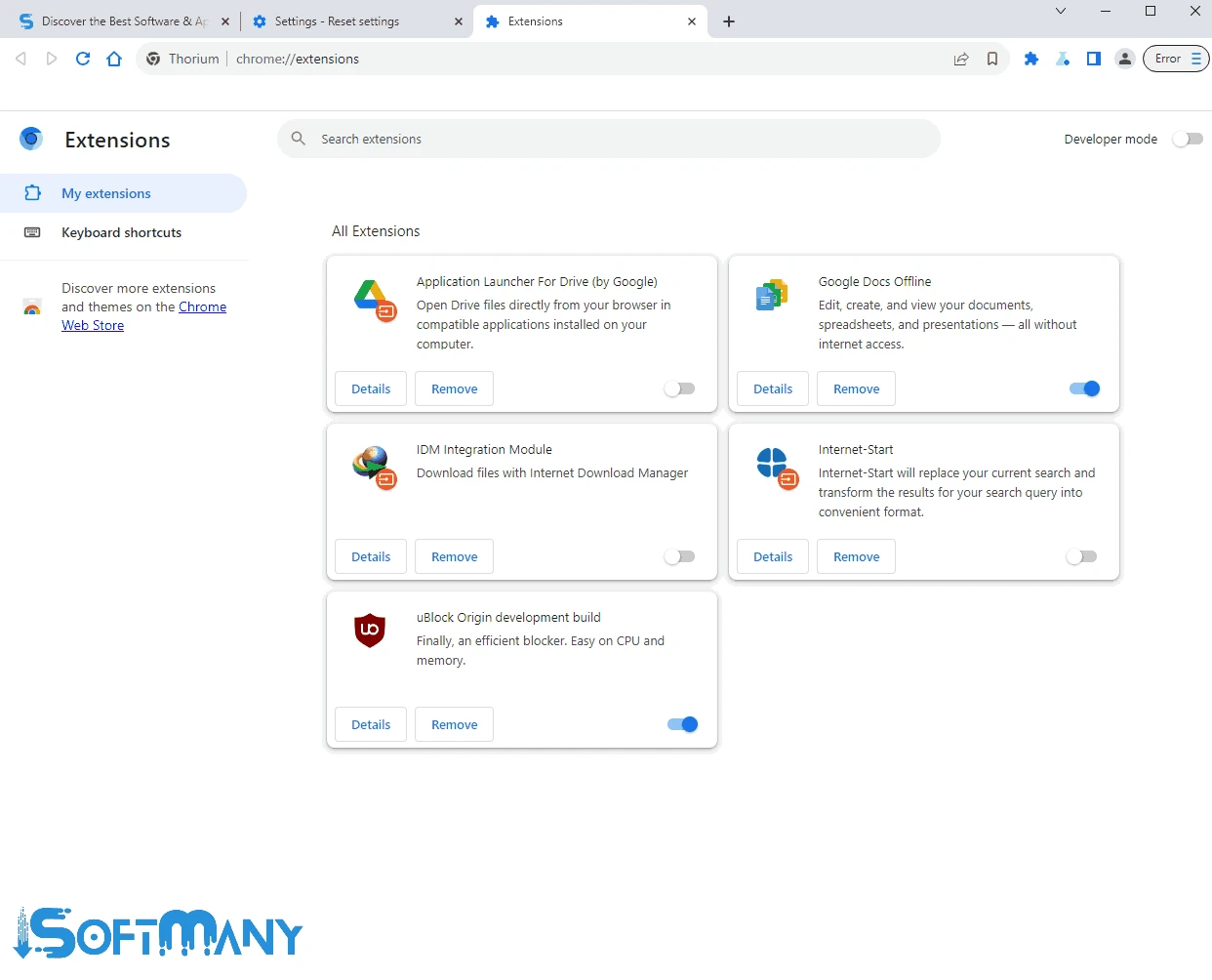
The Support for huge collection of extensions offers enhanced productivity, tailoring an awesome browsing experience to individual requirements. So, you can add extensions according to your preferences such as ad blocking, social media integration, productivity tools, and so on using the “Extension Store” of the browser. So, the app has become one of versatile browsing solution, prioritizing speed, security, and privacy.
The availability of multiple types of page reloads helps to manage your web pages more reliably. Simply click refresh button for a normal refreshing of a page. Force refresh option perform a forced refresh and also useful for clearing the cache. So, clicking the refresh button offers only the latest version of the very specific web page without operating any additional functionality.
Customization is one of core feature for any web browsers, as it helps to organize the browser according to your preferences. So, you are capable of selecting from a variety of themes, setting custom homepages, and adding extensions to enhance your functionality and productivity. It is one of best alternative of multiple standard web browsers, offering feature-rich and efficient browsing experience.
Pros
Cons

Safe, fast, and reliable browsing with Google Chrome

Opera offers the best browsing functionalities including built-in VPN, ad-blocker, and Turbo mode.

Fast Browsing with offering Cutting-edge Security and Speed.

UC Browser for PC, the leading mobile browser now available for PCs

Cent Browser is a Chromium-based browser with seamless browsing online

Firefox can display a large number of pages and extra capabilities that can help you online very fast.